
Wingo App Download Guide: APK Safety and Mobile Play
Every Wingo app search leads to the same fork in the road: play in your mobile browser, or download an APK file from outside the Play Store. Thousands of Indian players search for a color prediction game download every day, and the download route is where most of the danger in this hobby lives — fake apps, credential-stealing "mods", and "prediction hack" APKs built purely to rob accounts and UPI wallets. This guide explains how Wingo apps are really distributed, when the browser is the smarter choice, how to reduce risk if you do install an APK, and how to spot the fakes before they reach your phone. As always, Wingo1Min is an independent information site: we are not an operator, we publish no app of our own, and nothing here is a download link.
How Wingo Apps Are Actually Distributed
Search the Google Play Store for a Wingo game download and you will notice something: the real-money platforms are not there. Google's policies tightly restrict real-money gambling apps in India, and most color prediction operators do not meet the requirements — so they distribute their apps as APK files instead. An APK (Android Package) is Android's raw installation file format; installing one from outside a store is called sideloading. Wikipedia's article on the Android application package format explains the mechanics well.
What sideloading means for you, practically:
- No store review. Nobody at Google checked the app for malware, hidden permissions or deceptive behaviour before it reached you. The file is exactly as trustworthy as the place you got it from — no more.
- No automatic updates. Play Store apps update silently. Sideloaded APKs must be re-downloaded and reinstalled manually, and old versions can carry unpatched security holes.
- A thriving fake ecosystem. Because there is no official store listing to point at, Telegram channels, YouTube descriptions and shady download portals all claim to host "the official app" — and many of those files are repackaged with malware.
- An honest conclusion follows: the absence from the Play Store is not a technicality. It removes the safety net most Android users unconsciously rely on, which is why the browser deserves serious consideration first.
If you are brand new to the game itself, it is worth understanding what you would even be installing — our Wingo game guide covers the rules, rounds and payouts that are identical in app and browser alike.
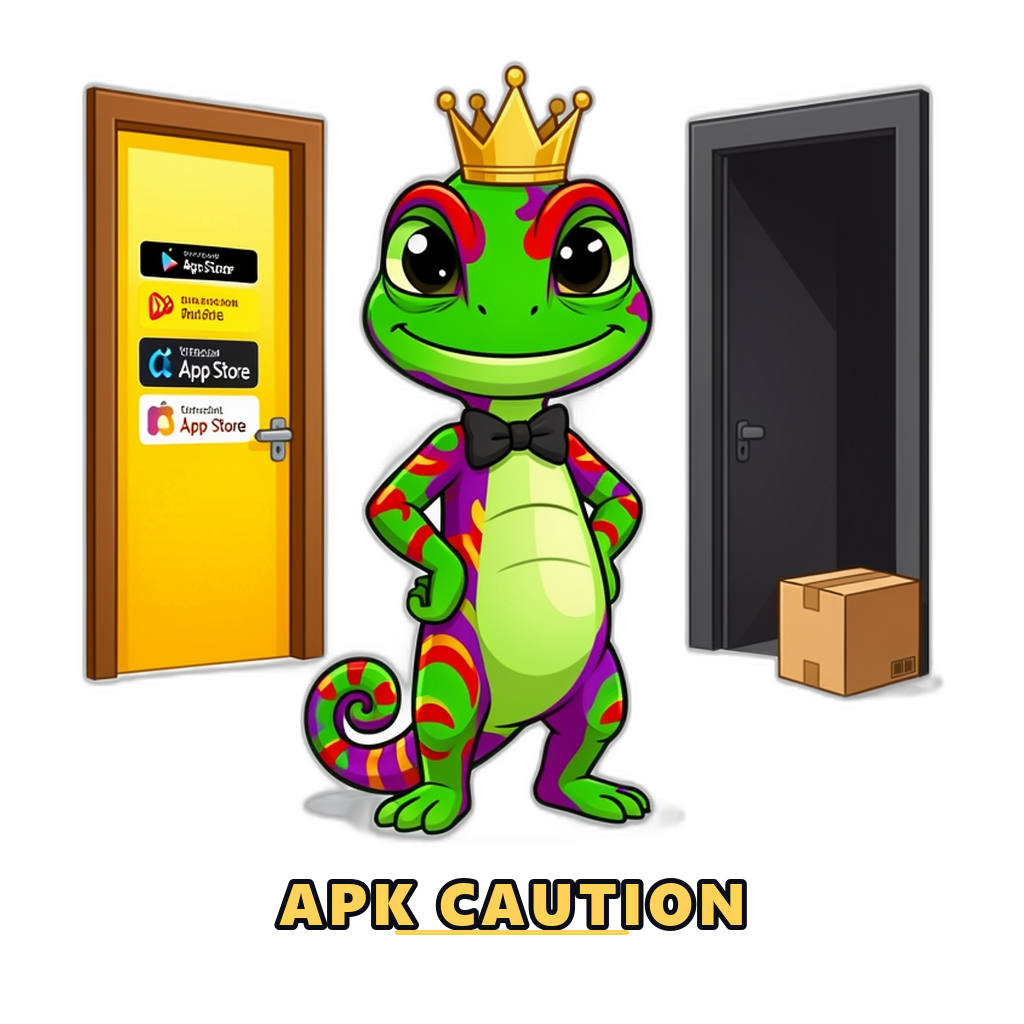
Browser Play vs the Wingo App: An Honest Comparison
Here is the quiet truth most download-focused articles skip: nearly every color prediction platform runs perfectly well in a mobile browser, because the "app" is usually just the same website wrapped in a shell. That makes the browser a genuine alternative, not a downgrade. Compare the two honestly:
| Factor | Mobile browser | APK app |
|---|---|---|
| Updates | Always the current version — the site updates itself on every visit | Manual re-download and reinstall; outdated versions keep running with old bugs and holes |
| Storage space | Effectively zero beyond browser cache | 50–150 MB typical, plus cached data that grows over time — real weight on budget phones |
| Permissions | Sandboxed by the browser; the site cannot read your SMS, contacts or files | Whatever the APK requests at install — and shady builds request far too much |
| Safety of the source | You control the URL you type and bookmark; phishing risk exists but is visible in the address bar | File may be tampered with anywhere along its sharing chain; a modified APK looks identical to a clean one |
| Convenience | One tap via a home-screen shortcut; no icon on the app drawer otherwise | Native icon, sometimes push notifications and slightly smoother animations |
| Data use | Slightly higher per session since assets reload more often | Slightly lower after install, but the install itself costs 50–150 MB up front |
Our plain recommendation: the browser is the safer default for most players. It removes the entire category of fake-APK risk, takes no storage, and — usefully — puts one extra step between you and impulsive play, since there is no bright icon calling from your home screen. The app's real advantages are cosmetic. Notifications, the main "benefit" people cite, are engineered to pull you back for one more round, which is a reason to avoid them, not seek them. Either way, sign-in works the same — our Wingo login guide covers reaching the real page safely from browser or app.
Why platforms push the app so hard
If the browser plays the same game, why does every platform nag you to install? Not for your benefit. An installed app gives the operator a permanent icon on your home screen, push notifications that fire during idle moments, and a channel that keeps working even when you have consciously decided not to visit the site. Marketing teams measure this precisely: installed players return more often, play longer and deposit more than browser players. That is the entire business case for the "download our app for a bonus" banner — the small bonus is expected to pay for itself out of your increased play. Knowing this does not forbid the app; it just tells you whose interest the install serves, and why declining it is a perfectly reasonable choice rather than a technical compromise.
A useful middle path on Android mirrors the iPhone trick described below: open the platform in Chrome and choose "Add to Home Screen". You get an icon and a full-screen feel with browser sandboxing intact, no APK, no new permissions and no push notifications you did not ask for. For most players that is the best of both worlds.
How to Download an APK More Safely, If You Choose To
Some players will install the app anyway — for the smoother feel, or because their platform nags them to. If that is you, "safer" is the honest word: these steps reduce risk, they do not remove it.
- Download only from the platform's own website, reached by typing the address yourself. The download button inside the site you already use and bookmarked is the only acceptable source. Not Telegram files, not YouTube description links, not "APK portal" sites, not a friend's WhatsApp forward — each of those is an opportunity for someone to swap the file.
- Check the file before opening it. A sensible color prediction APK is roughly 20–150 MB with a file name matching the platform. A 3 MB file, a mismatched name, or a double extension like .apk.zip is a stop sign.
- Let Google Play Protect scan it. Android prompts you when installing from outside the store — allow the scan every time, and never follow instructions to disable Play Protect. That instruction is itself a red flag we cover below.
- Review permissions at install and first run. A game needs network access and little else. Deny SMS, contacts, call log and file-manager style requests; a legitimate platform app still works without them.
- Grant the "install unknown apps" permission to one app only, then revoke it. After installing, go back to settings and switch it off so nothing else can silently install later.
And a rule that overrides all five: if the platform's own site is not somewhere you can confidently type from memory or your bookmark, you are not ready to install its APK. Solve the "which site is real" problem first — the register guide's safety checks exist for exactly that.
APK Red Flags and Fake "Hack" or "Mod" Apps
The fake-app economy around color prediction games is large, professional and aimed squarely at Indian players. Some fakes imitate real platform apps; the nastier ones sell a fantasy — a "VIP hack", a "mod with server access", an "AI predictor" that supposedly reveals the next result. Learn the red flags:
| Red flag | The risk | What to do |
|---|---|---|
| Asks for SMS, contacts or call-log permissions | Reading SMS means reading your OTPs — enough to take over the platform account and approve UPI actions in your name | Deny and uninstall immediately. No game needs your messages or contacts |
| "Prediction hack" or "next result" claims | Results are generated on the platform server; no client app can know them. The app exists only to harvest logins, wallets and UPI data | Never install. Treat every seller of guaranteed predictions as a scammer by default |
| Cracked, mod or "unlimited balance" versions | Repackaged APKs with injected malware; any balance they display is a graphic, not money | Avoid entirely. There is nothing to "unlock" in a server-side game |
| Tells you to disable Play Protect or antivirus | The one screening layer sideloaded apps face is being switched off — because the app knows it would fail | Stop the install. A legitimate app never needs your defences lowered |
| Shared as a file in Telegram or WhatsApp groups | Files in chats have no verifiable origin and are commonly re-uploaded with modifications | Ignore, even from friends — they forwarded it in good faith from the same unverifiable chain |
| Login screen appears before anything else works | Classic credential trap: the fake app front-loads a sign-in form that sends your number and password to the scammer | Close it and change your password from the real site if you typed anything |
It bears repeating without hedging: prediction hack apps do not work and cannot work. The draw happens on the operator's server after bets lock; nothing installed on your phone has access to it. Everyone selling that access is stealing — the only question is whether they take your subscription fee, your account, or your UPI balance. The same logic applies to formulas and paid tip channels, which we dismantle in our Wingo prediction guide.
iPhone Options: What iOS Players Actually Get
iPhones cannot sideload APK files at all — APK is an Android format, and Apple's App Store enforces even stricter real-money gaming rules than Google's. So "Wingo app for iPhone" almost always means one of two things:
- Playing in Safari. The platform's website works normally in the browser, exactly as on Android. This is the standard route for iOS players.
- Adding the site to the home screen. Safari's share menu offers "Add to Home Screen", which creates an icon that opens the site full-screen like an app. It is the same website, with an app's convenience and none of the sideloading risk.
Be wary of anything more exotic. "iOS versions" distributed through enterprise certificates, configuration profiles or TestFlight invites from strangers sit outside Apple's review exactly the way sideloaded APKs sit outside Google's, and installing a random configuration profile can hand over far more control of the device than any app. If an iPhone route requires trusting an unknown developer certificate, decline it. The honest summary for iOS players: the browser is not your fallback, it is your answer — and it is a good one.
Keeping the App Safe After Installation
Safety does not end when the install finishes. A few maintenance habits keep an installed Wingo app from becoming a liability months later:
- Update from the same source you installed from. When the platform announces a new version, fetch it from its own site again — never from an update link that arrives by chat or notification from another app.
- Audit permissions every month or two. Android's settings show what each app can access. If the game has quietly gained SMS or contacts permission after an update, revoke it and consider uninstalling.
- Log out on shared phones. Sessions persist inside apps just as in browsers. On a family device or a friend's phone, log out after playing — anyone opening the app otherwise walks straight into your wallet.
- Lock the phone itself. A screen lock plus a payment-app PIN means a lost phone is an inconvenience instead of an emptied balance.
- Uninstall when you take a break. Removing the icon removes the notifications and the reflex tap. Your account and balance live on the server, so nothing is lost — reinstall or use the browser whenever you deliberately choose to return. Money-side hygiene lives in our guide to adding and withdrawing money.
Data Usage and Performance Tips for Indian Networks
Wingo is light by modern game standards — it is mostly numbers, timers and a results table — but rounds are time-sensitive, and that changes what matters. A bet that fails to send in the last three seconds of a one-minute round is the most common technical complaint in this game. Practical tips:
- Budget roughly 20–50 MB per hour for browser play, usually a bit less inside an app after install. Even modest daily data packs handle that easily; the APK download itself (50–150 MB) is the biggest single cost.
- Stability beats speed. A steady 4G signal outperforms fast Wi-Fi that drops packets. If your connection wobbles, switch networks before a session, not during one.
- Place bets early in the round. Waiting for the final seconds invites timeouts and "bet not confirmed" disputes. On patchy networks, prefer the 3 or 5 minute modes, where a slow request has time to recover.
- Close heavy apps first. On budget phones, video apps running behind the game cause the stutters players blame on the platform.
- If rounds keep desyncing, pull to refresh or re-open rather than re-betting blindly — check your bet history to see what actually registered before placing anything again.
One more honest note: smooth performance is a comfort issue, not a results issue. No connection, device or app version changes the odds of the draw. If you want to feel the pace of real rounds with zero money and zero downloads, the free simulated demo on our homepage runs in any browser.
Play Safely and Responsibly
An app on the home screen makes an 18+ real-money game available in two taps, every idle moment, with notifications pushing you back in. If you notice sessions starting without a decision — the icon tapped on reflex — uninstall the app and take a break. Support is free and confidential at BeGambleAware, and practical tools like blocking software are covered well by GamCare.
Wingo involves real money and real risk. Only adults (18+) should play, and no result can be guaranteed. Read our full responsible gaming guide for budgets, limits and support resources.
Frequently Asked Questions
Is there an official Wingo app on the Play Store?
No. Wingo is a game format offered by many platforms, and real-money color prediction apps generally do not meet Play Store policy in India, so operators distribute APK files from their own sites instead. Any "Wingo app" you do find in a store is either a demo, an unrelated app or an imitation — check carefully before trusting it.
Is downloading a Wingo APK safe?
It is safer only when the APK comes from the platform’s own website reached by an address you typed and bookmarked yourself, passes a Play Protect scan, and requests no SMS or contacts permissions. APKs from Telegram, YouTube links or download portals are frequently tampered with. For most players the mobile browser is the safer default and plays the same game.
Do Wingo prediction hack apps actually work?
No, and they cannot. Results are generated on the platform’s server after bets lock, so no app on your phone can know them in advance. "Hack" and mod APKs exist to steal logins, OTPs and UPI details or to charge fees for random guesses. Treat every one of them as a scam.
Is there a Wingo app for iPhone?
Almost never as a native App Store app, because Apple’s real-money gaming rules are stricter still. iPhone players use the platform website in Safari, optionally with "Add to Home Screen" for an app-like icon. Avoid installs that require trusting enterprise certificates or configuration profiles from unknown developers.
How much data does playing Wingo use?
Roughly 20–50 MB per hour in a browser and usually a little less in an installed app, which easily fits typical Indian daily data packs. The one-time APK download of 50–150 MB is the largest single cost. A stable connection matters more than a fast one, since bets placed in the final seconds of a round can fail on a flaky network.
Learn the Game Before You Install Anything
App or browser, the rules, timers and payouts are identical. Walk through a full round step by step before you play with real money.
Conclusion
The honest summary of every Wingo app decision: the browser plays the identical game with none of the sideloading risk, and it should be your default. If you install an APK anyway, take it only from the platform's own site via your own bookmark, let Play Protect scan it, deny every permission a game does not need, and keep it updated from that same source. Refuse all hack, mod and prediction apps without exception — they are theft dressed as software. And remember that no download changes the math of the game underneath: the safest install of all is learning how the rounds and odds work before any real money is on the line.
Related Guides
- Wingo LoginWingo login guide for Indian players: safe sign-in steps, common login problems and fixes, phishing warnings, and account security tips for color prediction platforms.
- Wingo RegisterWingo register guide: how to create a color prediction account step by step, what details platforms ask for, verification, bonuses, and safety checks before you sign up.
- How to PlayHow to play Wingo step by step: create an account, add funds in INR, read the round timer, choose colors or numbers, and play responsibly on mobile.
- Wingo GameWhat is the Wingo game? Rules, red green violet payouts, big and small options, 30 second to 5 minute versions, and how the online lottery-style game works in India.
- Deposit & WithdrawalDeposit and withdrawal guide for Wingo platforms: UPI, Paytm, PhonePe and Google Pay steps, processing times, limits, common payment problems and safety checks.
- Responsible GamingResponsible gaming guide for Wingo and color prediction players: budgets, time limits, warning signs of problem gambling, self-exclusion, and where to find help in India.